

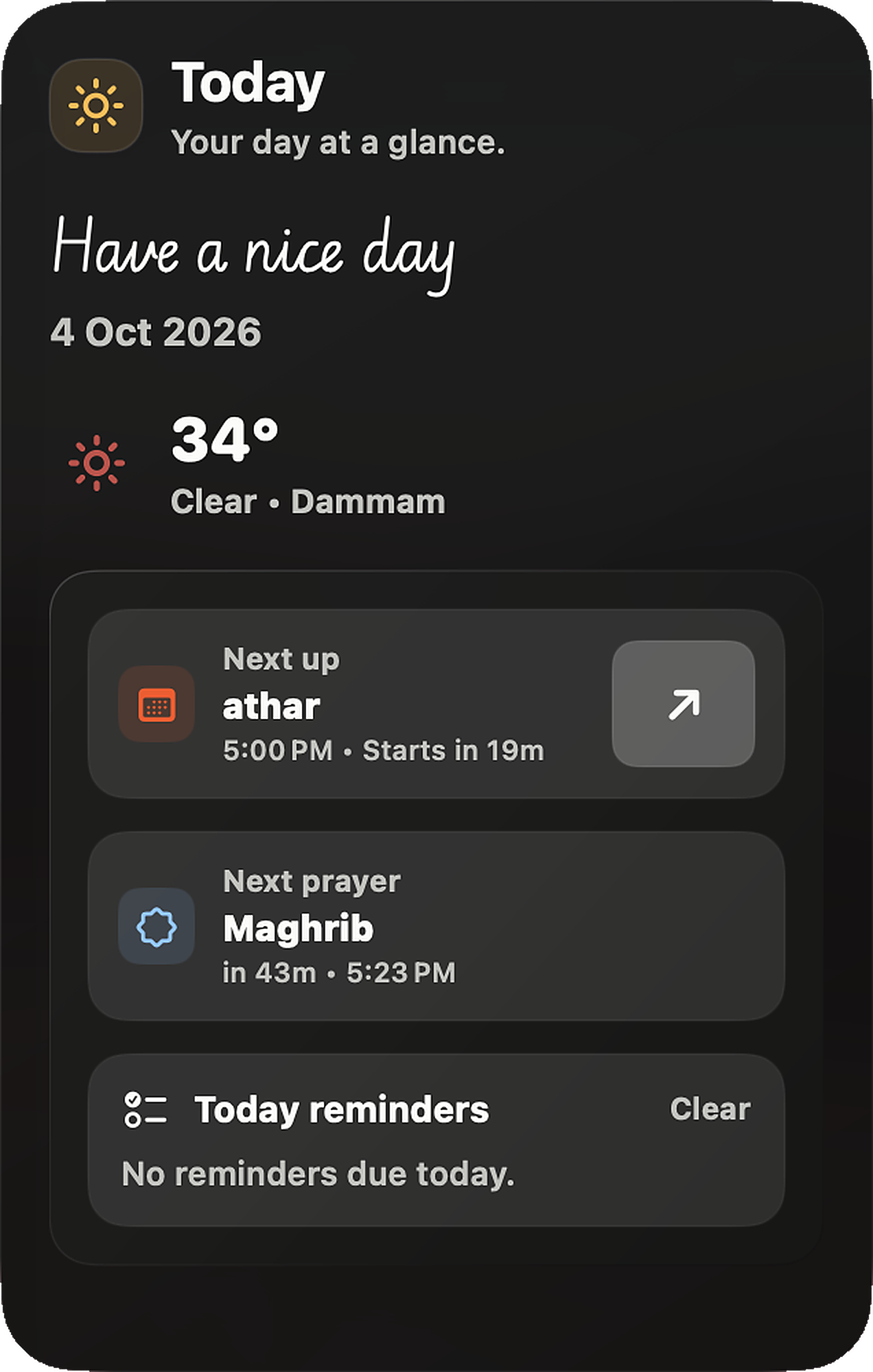
Today
Weather, your next event and the next prayer in one glance.
 Download now
JanB for macOS
JanB is a native Mac side rail for the small things that usually pull you into separate apps: your next event, reminders, notes, copied items, files, favorite links, a focus timer, soundscapes, prayer times, and wallpapers.

Built natively
for macOS.
Less switching.
More focus.
See it in action





Instead of opening Calendar, Reminders, Notes, a clipboard manager, a timer, a wallpaper tool, and a browser full of bookmarks, JanB keeps the useful part of each beside your screen.
What JanB brings together
Each panel opens from the edge of your screen, does one thing well, then steps aside.
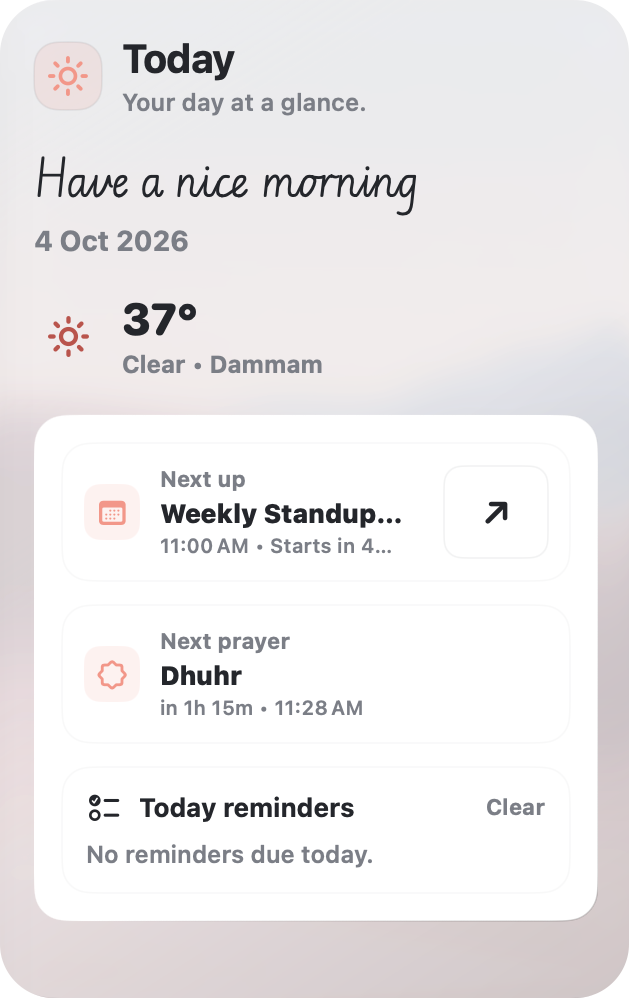
Weather, your next event and the next prayer in one glance.
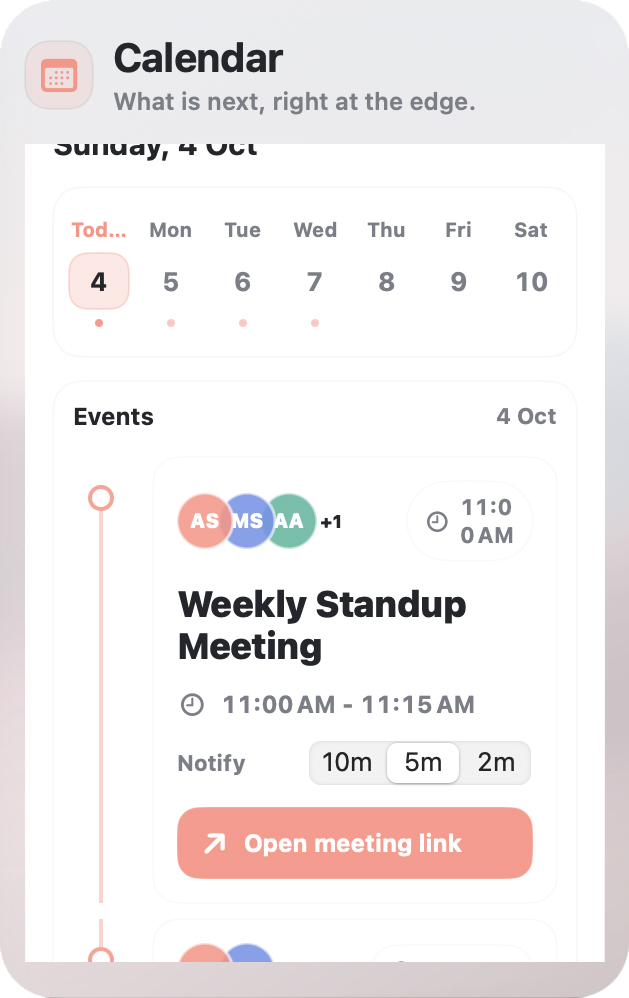
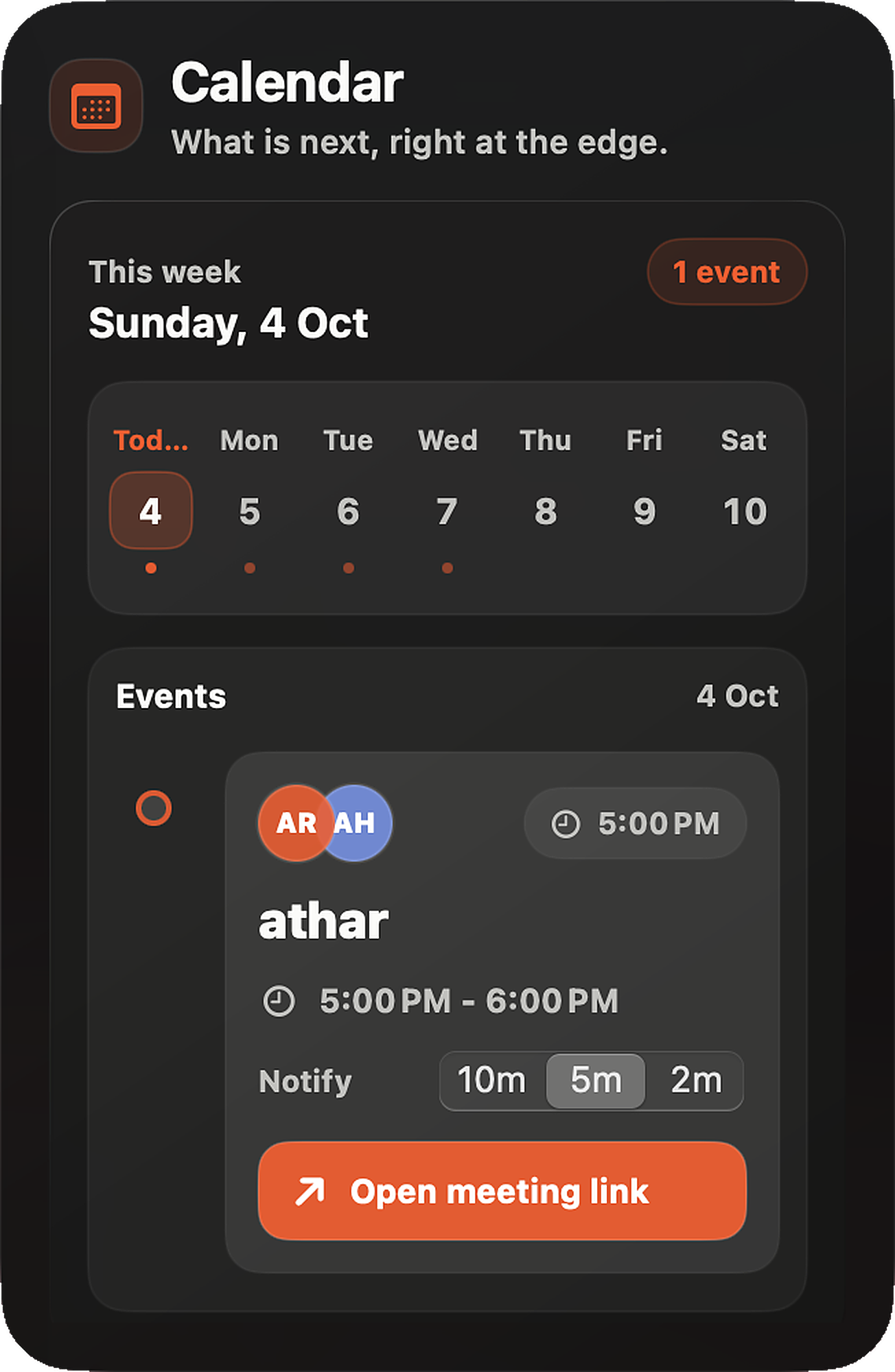
Join your next meeting right from the edge.
Apple Reminders, right on the edge.
Prayer times for your city, with gentle alerts.
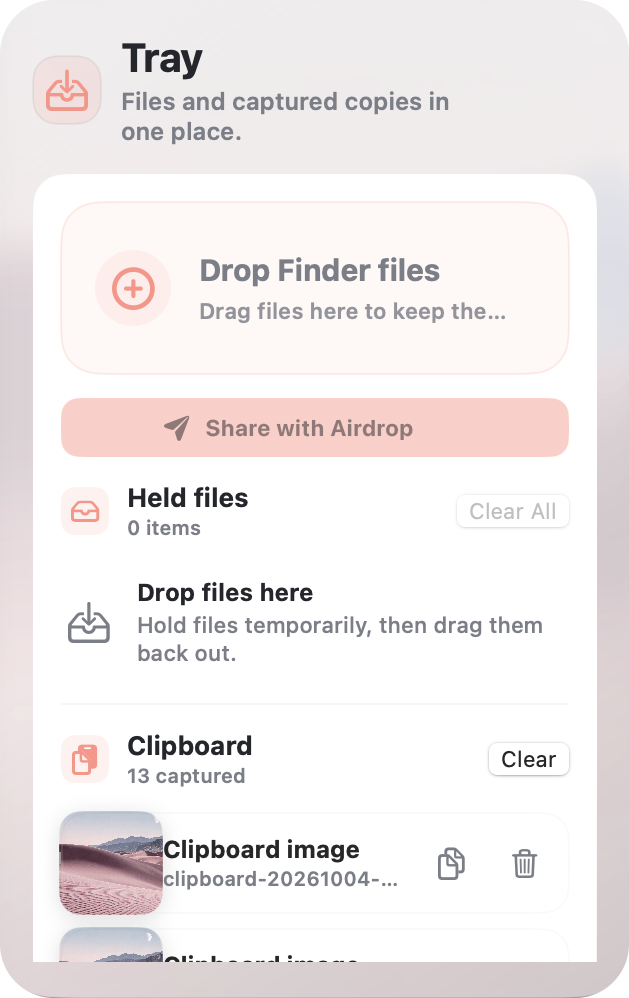
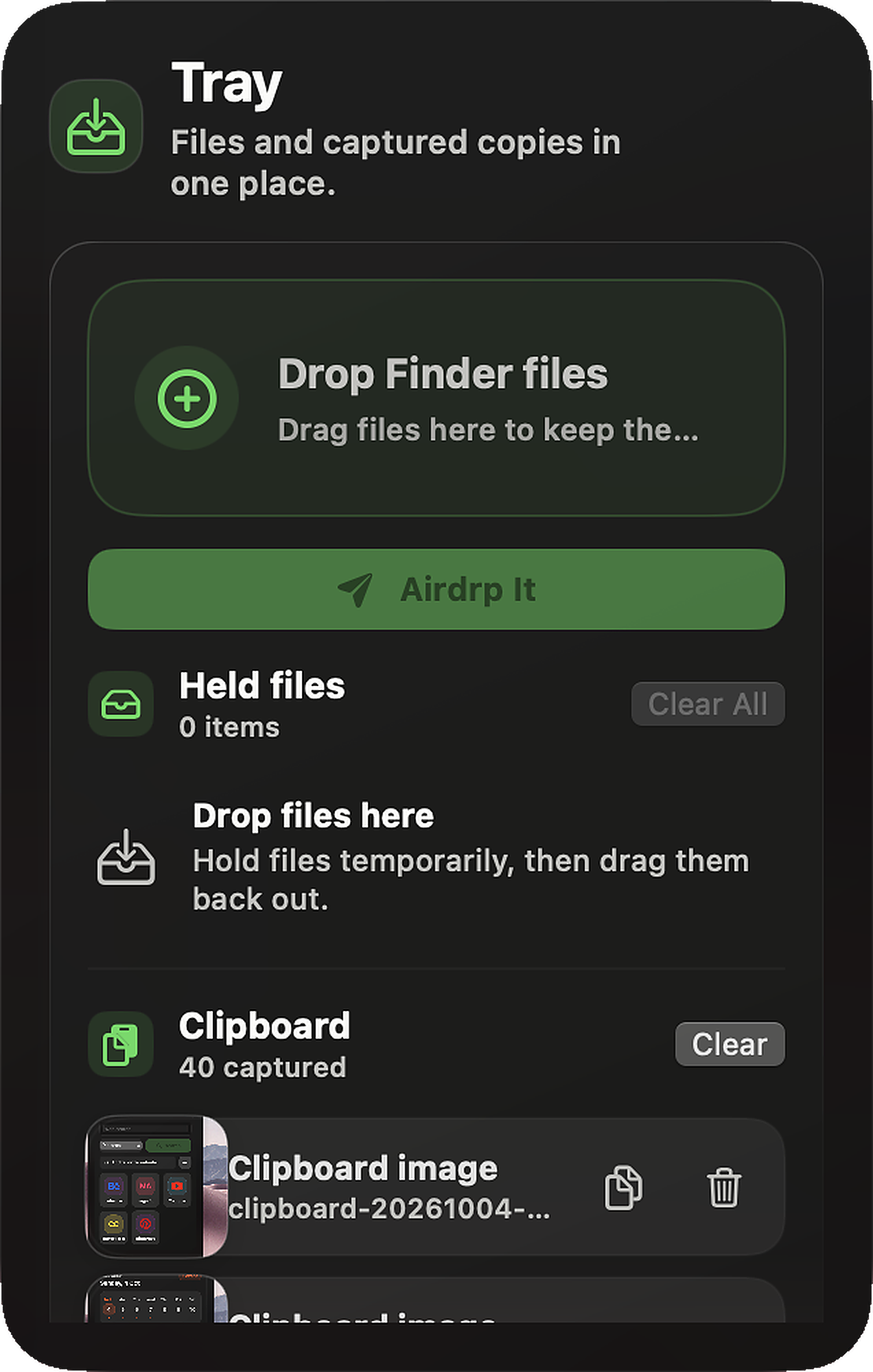
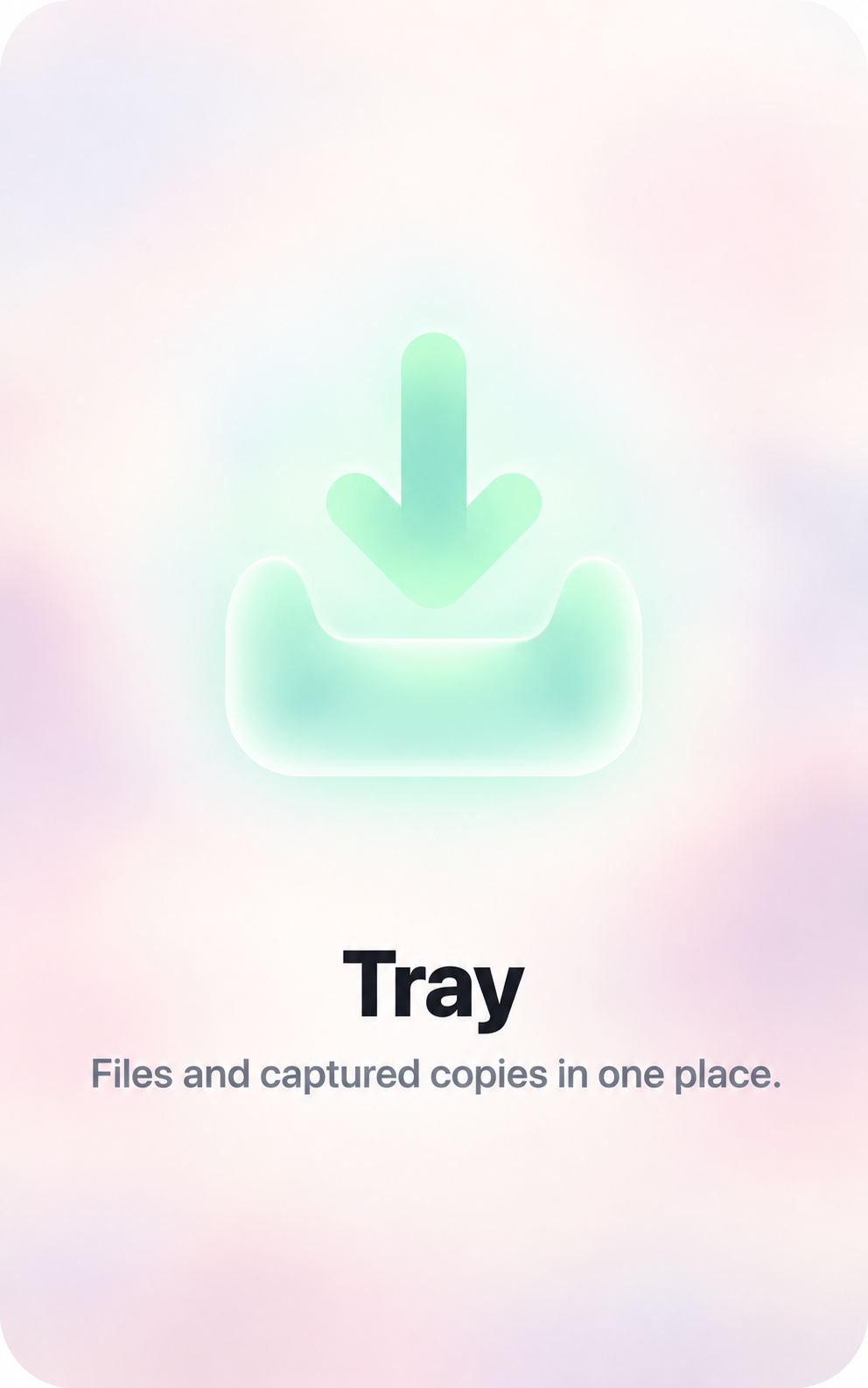
Hold files and copied items until you need them again.
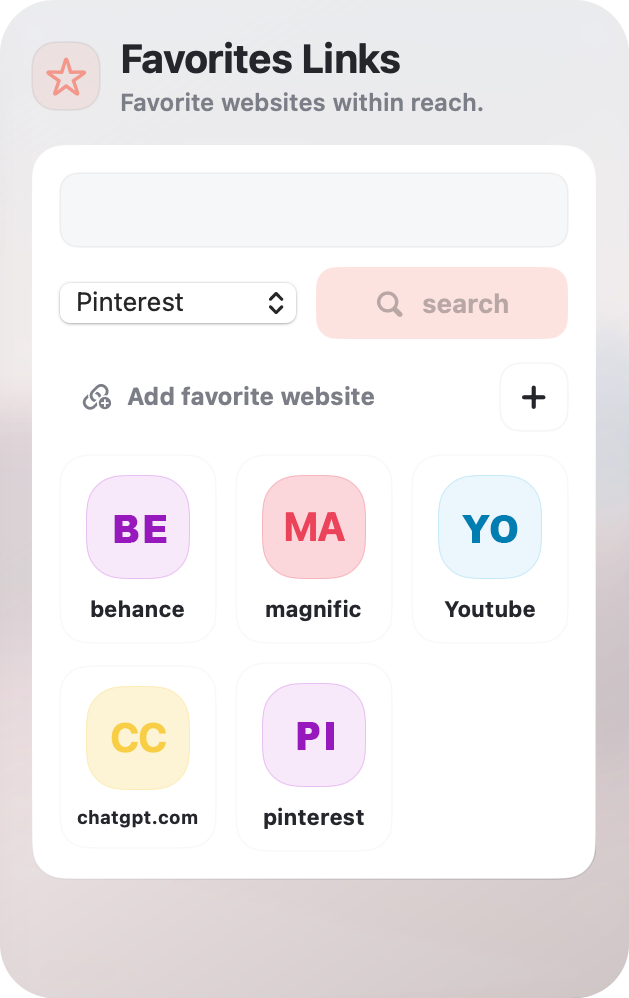
Your favorite sites and a quick search, one click away.
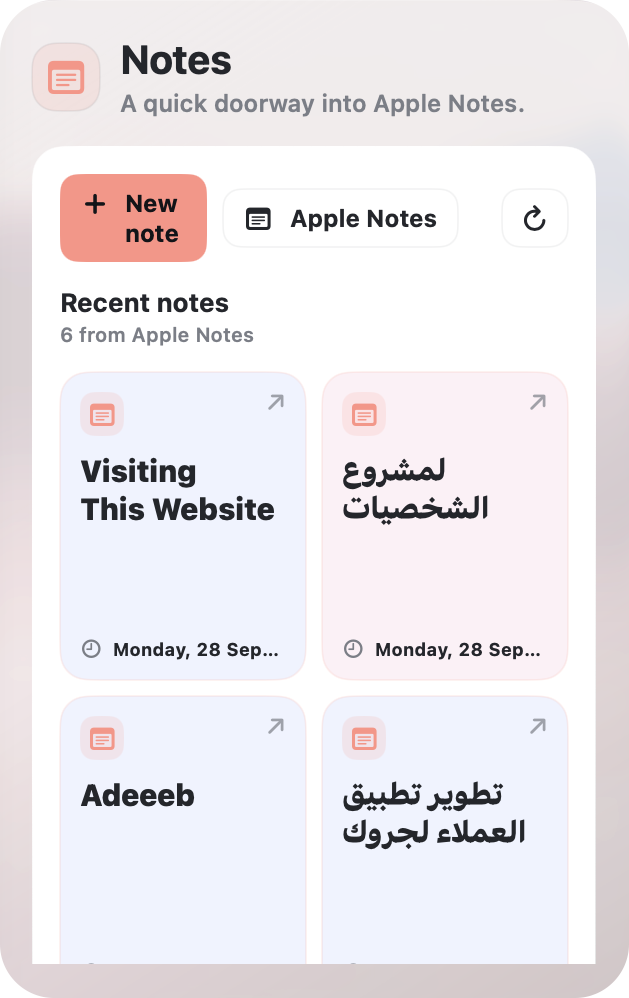
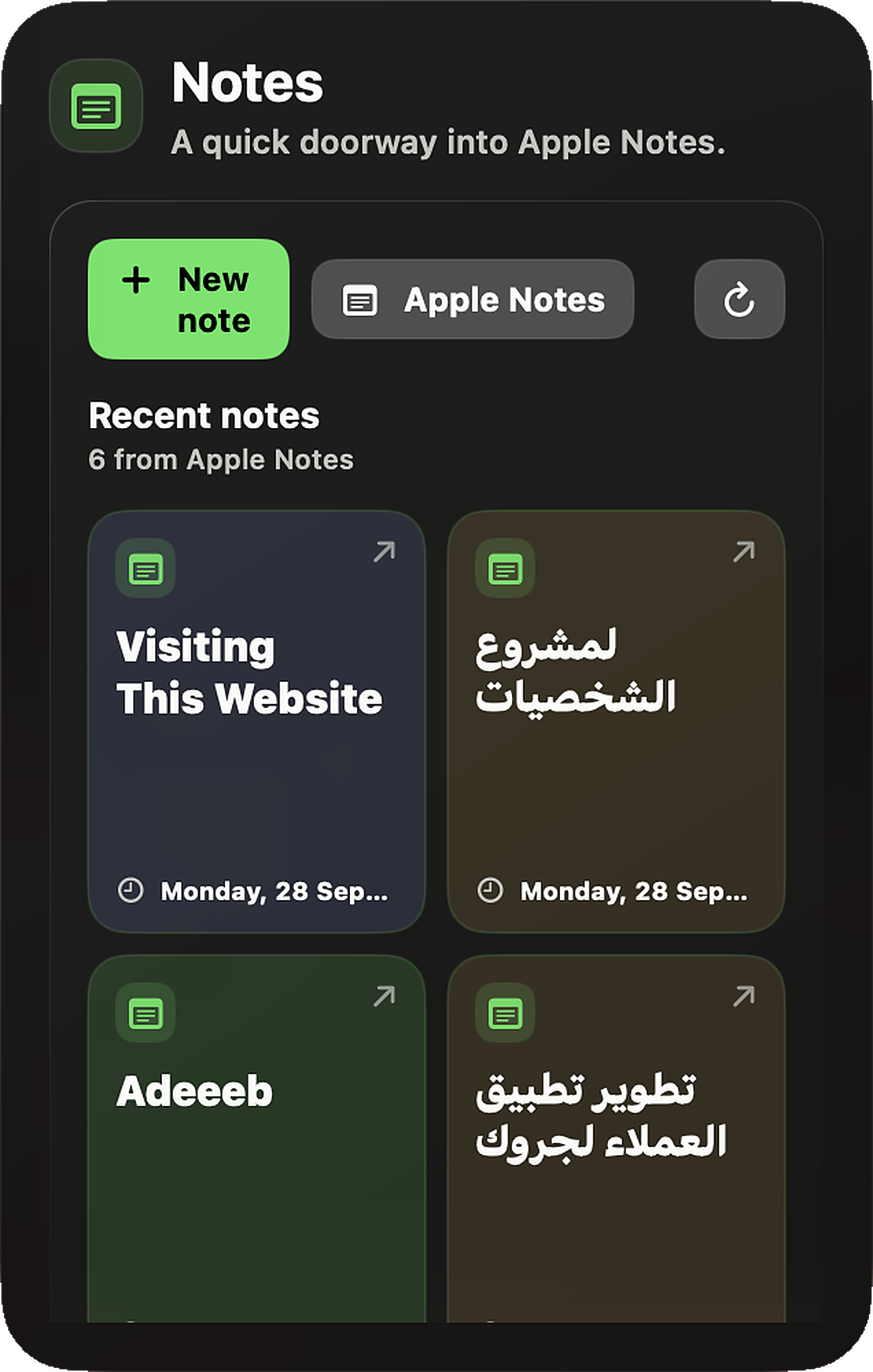
A quick doorway into Apple Notes.
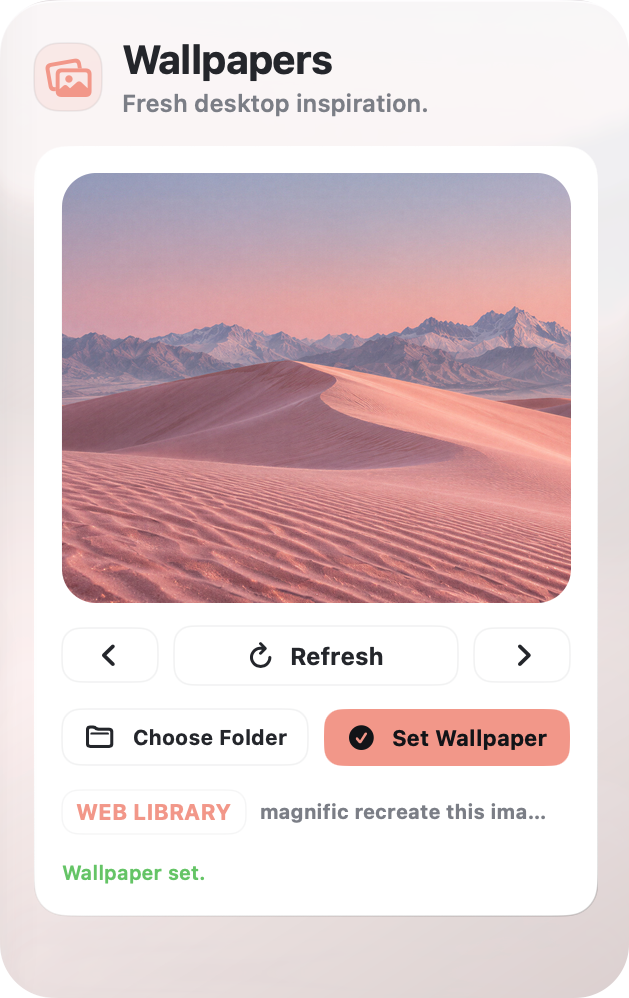
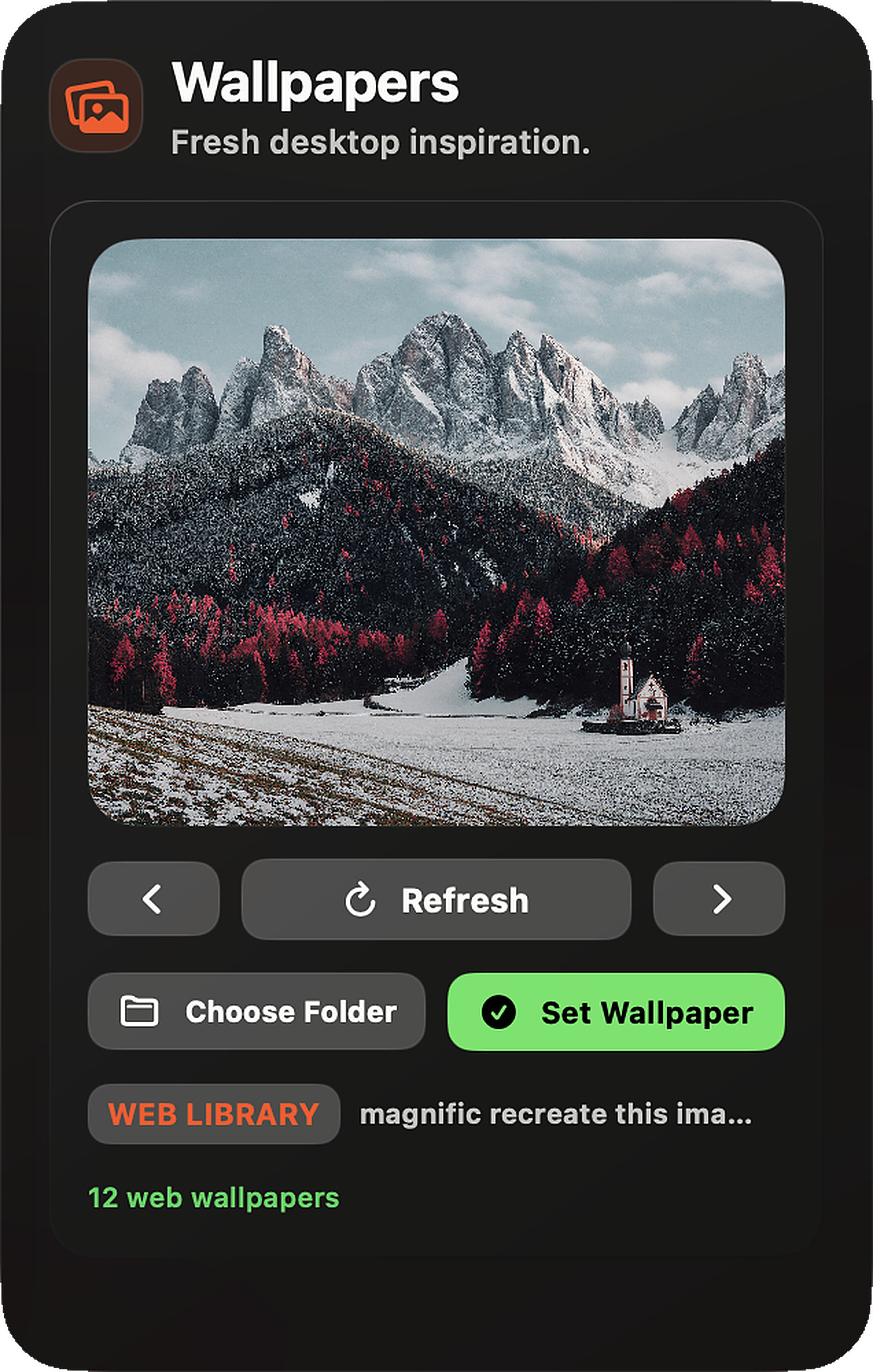
Fresh desktop inspiration, set in one click.
Also built in
Start a focused session without opening another productivity app. Simple controls, persistent state, and alert sounds.
Calm audio and what's playing, available from the rail — ambient soundscapes, mixes, Quran radio, and Now Playing awareness.
Saved links, clipboard items, held files, timer state, and preferences stay on your Mac.
Pricing
Use every panel free for 60 days, then buy JanB once. No subscription.
Free for 60 days
Includes
SAR 35 one-time
Everything in the trial, plus
FAQ
JanB is a native side rail for macOS. It sits at the edge of your screen and opens when you need it, so your next event, reminders, notes, copied items, files, favorite links, focus timer, soundscapes, prayer times and wallpapers are one move away instead of spread across separate apps.
macOS 14 Sonoma or later. JanB runs natively on both Apple silicon and Intel Macs.
On your Mac. Saved links, clipboard items, held files, timer state and preferences are stored locally. Your events, reminders and notes stay in Apple Calendar, Reminders and Notes. JanB has no account, no sign-up and no analytics. Read the Privacy Policy for the details.
Yes. JanB reads Apple Calendar, so any Google, iCloud, Exchange or other account you have added to Calendar on your Mac shows up in the rail.
Only what a panel needs, and only when you use it: Calendar and Reminders to show and update your items, Automation to save notes to Apple Notes and read what is playing in Music or Spotify, and access to your Desktop to show recent screenshots in the Tray. You can change any of these in System Settings > Privacy & Security.
Only for features that need it: checking your license, checking for app updates, weather and prayer times for the city you set, wallpapers from online collections, audio streams such as Quran radio, cover art for a YouTube video you are playing, and short notices about new versions. None of this includes your notes, reminders, events or clipboard.
Download JanB and use every panel free for 60 days. No card or account is needed. When the trial ends, enter a license key in Settings to keep using it.
SAR 35, paid once. There is no subscription, and the license covers one Mac.
Yes. Open Settings in JanB on the old Mac and deactivate it, then activate the same license key on the new one.
JanB checks for new versions on its own and installs them when you agree. You can also check any time from Settings > Updates.